

Overview
Integrating HubSpot with Chatbase lets your AI agent escalate customer issues to your human support team by creating a ticket directly in HubSpot. The ticket includes the customer’s details and the conversation context, so your team can pick up where the AI agent left off.What you can do:
Let the AI resolve routine questions on its own, and hand off to HubSpot the moment a case needs a person, with the full context already attached.
Before you start
- A Chatbase account with an AI agent
- A HubSpot account with permissions to install apps
- A paid Chatbase plan with Integrations enabled
How to connect HubSpot
1
Open your Chatbase AI agent
Go to your Chatbase dashboard and select the AI agent you want to connect.
2
Connect HubSpot
Go to the Integrations tab, find HubSpot, and click Connect.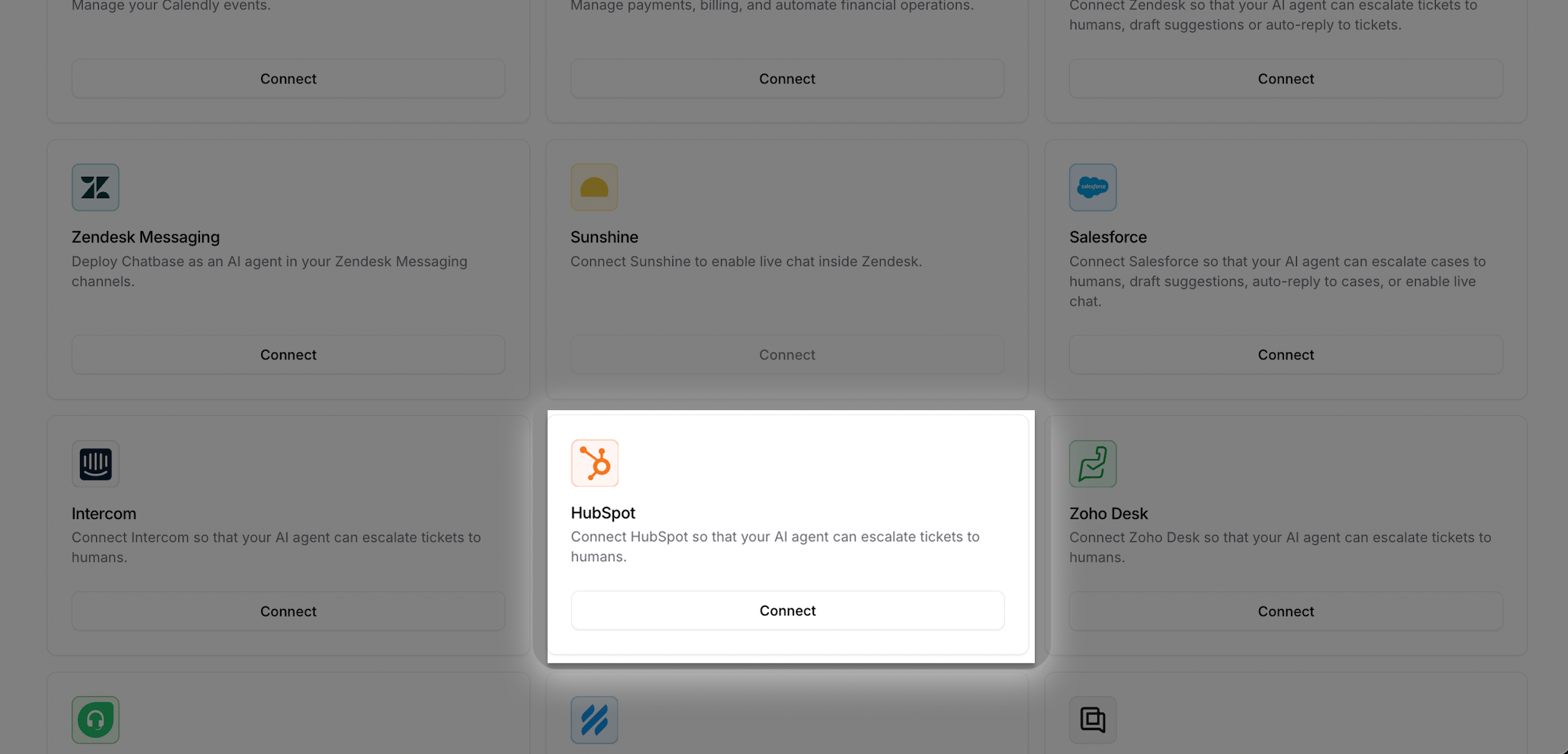
3
Approve the requested scopes
You will be redirected to HubSpot. Review the requested permissions and click Connect app.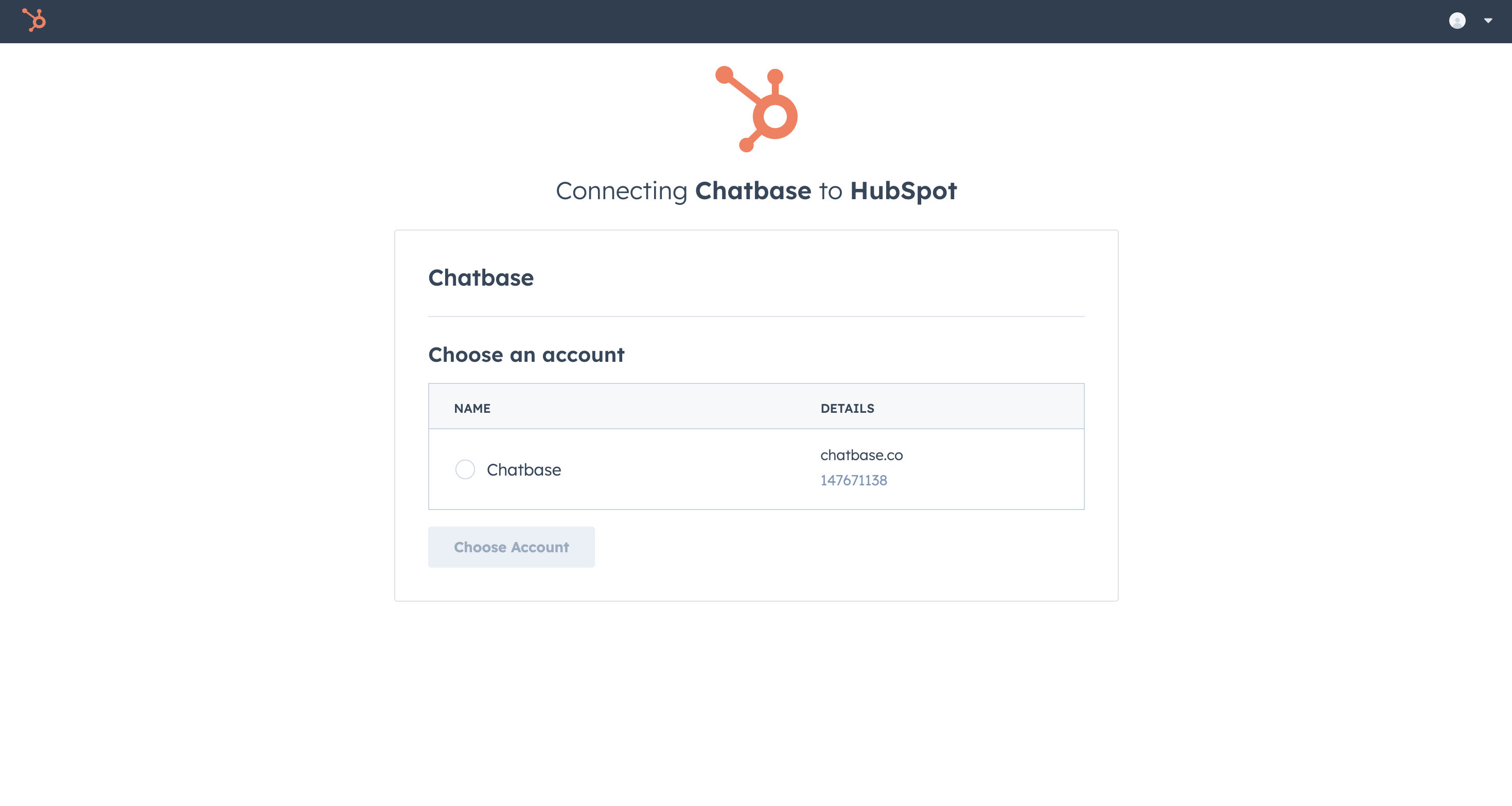
4
Confirm the connection
After approval, you will return to Chatbase and see HubSpot marked as Connected.
Create the Escalations action
Create a ticket action so your AI agent can open tickets in HubSpot.1
Create a ticket action
Go to Build → Actions → Create action → Escalations.
2
Select HubSpot
Choose HubSpot as the ticket platform, then fill in the ticket fields.
3
Save and test
Save the action and run a test conversation.
Test the integration by asking your AI agent to speak to a human, and confirm a ticket appears in HubSpot with the conversation details attached.
Managing the integration
Disconnect HubSpot
Go to the Integrations tab, find HubSpot, and click Disconnect.Uninstall the app
To uninstall Chatbase from HubSpot, follow HubSpot’s uninstall guide.Next steps
Escalations action
Configure when your AI agent escalates, which details it collects first, and which channels it can escalate from.