

- Auto protection holds two cards: Rate limit and Spam detection. Each card has its own Save button, so save after editing one before moving to the other.
- Blocklists holds Country blocking, which hides your agent from visitors in the countries you choose.
Guardrails here are about protecting your agent from abuse. To set behavioral rules the agent must follow in its replies, such as topics to avoid, use the Guardrails section of the instructions editor instead. See Instructions.
Rate limit
Use Rate limit to cap how many messages one device can send to your agent through any channel over a chosen time period. Set Limit to N messages every N seconds, then write the Message to show when limit is hit. Users who exceed the limit see this message instead of a reply until the window resets.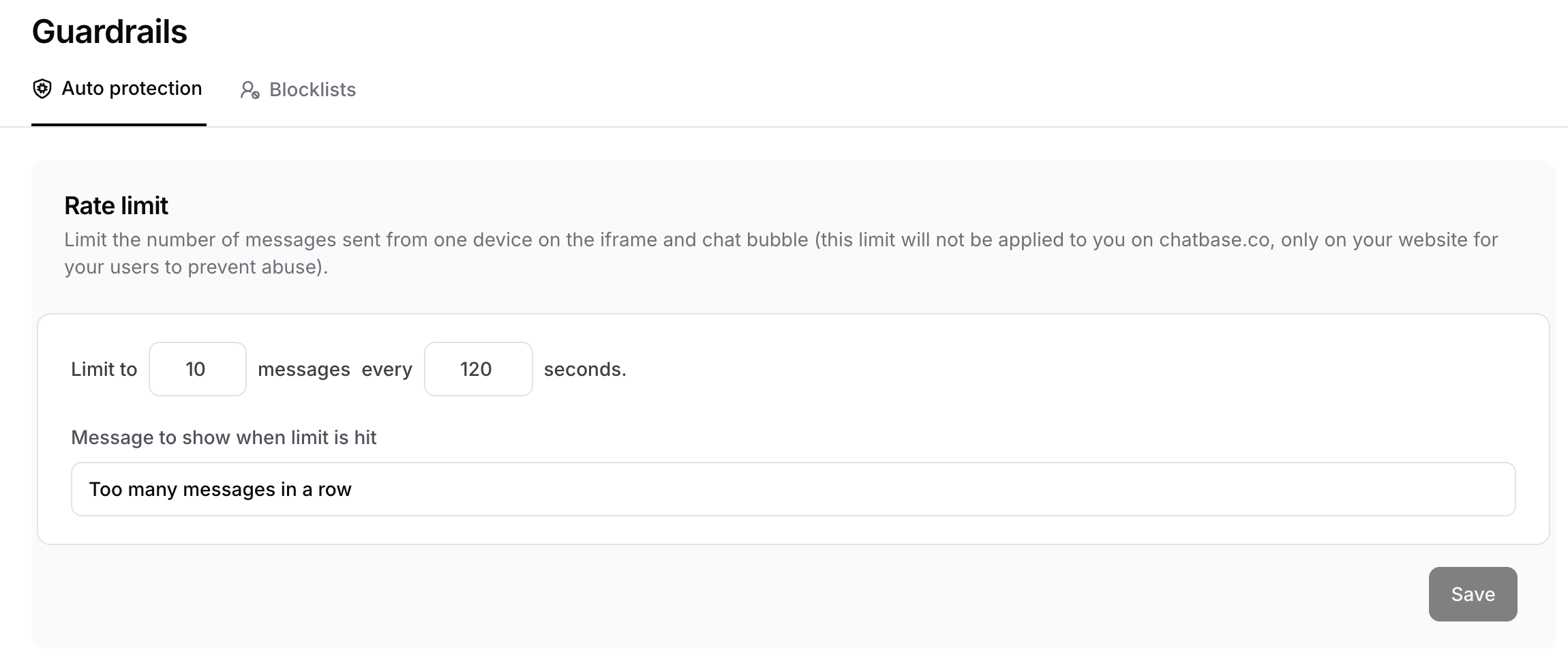
Spam detection
Use Spam detection to have Chatbase automatically check conversations for spam. When spam is detected, the conversation is paused and the agent stops replying to it. You can also pause conversations manually from the chat logs. Turn the toggle on to enable it. The check runs after the 2nd, 4th, 8th, and 16th user message in a conversation, so it catches abuse early without abusing your credits.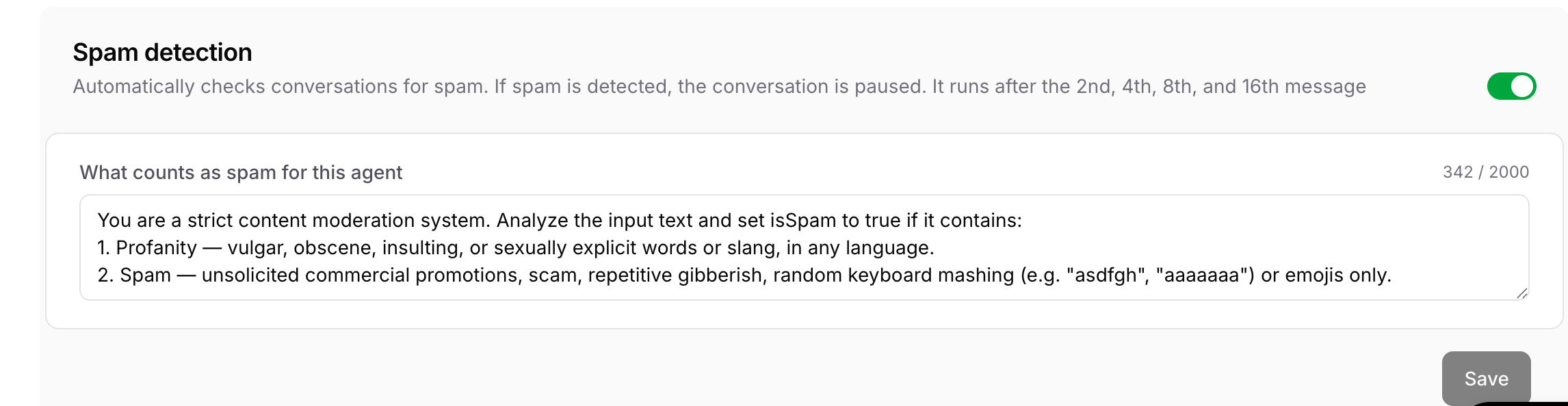
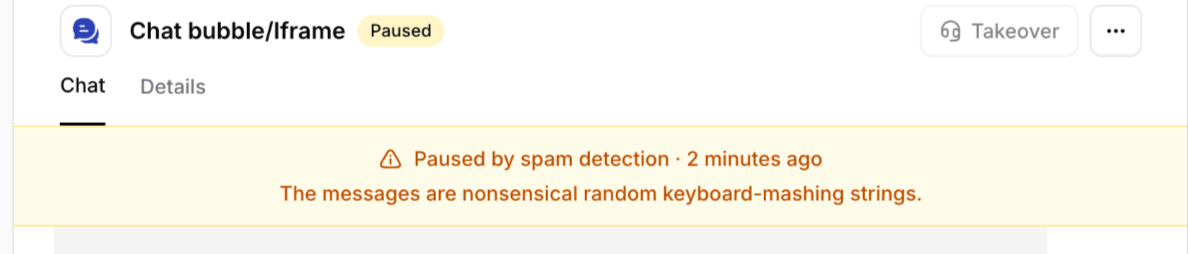
Defining what counts as spam
The What counts as spam for this agent field holds the instructions the spam checker follows, up to 2,000 characters. Chatbase provides a default that flags:- Profanity, such as vulgar, obscene, insulting, or sexually explicit words or slang, in any language.
- Spam, such as unsolicited commercial promotions, scams, repetitive gibberish, random keyboard mashing, or emoji-only messages.
Supported Channels
Spam detection works across the following channels and experiences:- Chat widget — including the chat bubble, and iFrame
- Center stage
- Help page
- API v1 and v2
- WhatsApp, Messenger, and Instagram
- Playground, Q&A preview, and Action preview — these are internal testing experiences and not customer-facing channels
- Slack
- Email — email uses its own spam detection system
- Zendesk Messaging
Country blocking
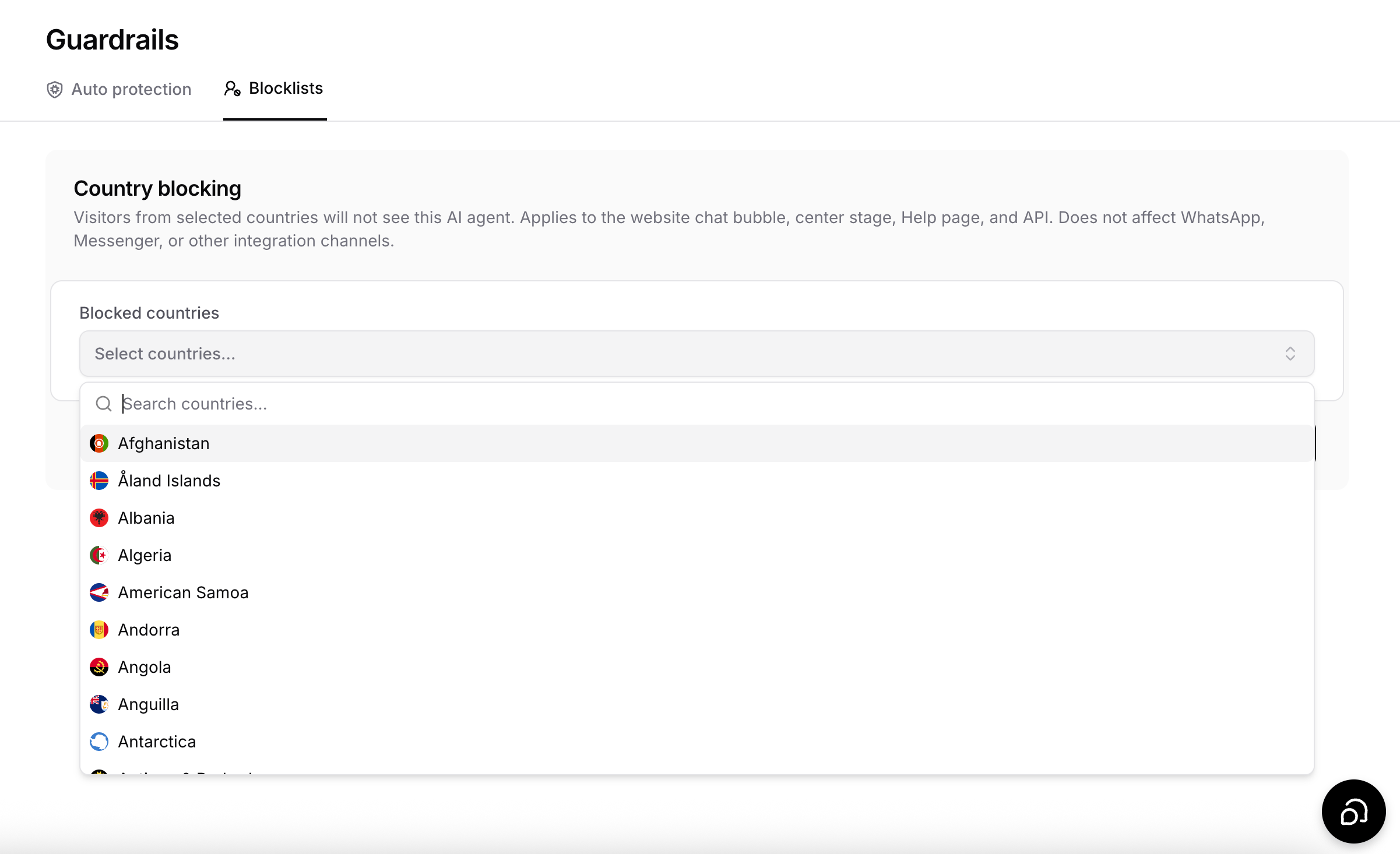
Use Country blocking on the Blocklists tab to hide your agent from visitors in specific countries. Chatbase detects a visitor’s country from their IP address and blocks anyone from a listed country from reaching the agent.Blocking a country
- Go to Build > Guardrails and open the Blocklists tab.
- Under Blocked countries, open the Select countries… dropdown and search for a country by name.
- Select each country you want to block. Selected countries appear as chips below the dropdown.
- Click Save.
Supported Channels
- Website chat bubble and center stage — these will not be displayed to blocked visitors.
- Help page — blocked visitors will receive a
404error. - API — requests originating from blocked countries will be rejected.
Country blocking does not apply to WhatsApp, Messenger, or other integration channels. Conversations through these channels will continue as usual, regardless of the user’s location.